This isn’t a terrible workaround. But the easiest solution would probably be to use stroke arrows instead of custom arrows. You can use your existing path lines and then set the end of each path to “Arrow” in the stroke settings. There are two different arrow styles, and the size of the arrow scales with the thickness of the path.
If you want to customise the style of the arrow beyond these settings, I think your current approach is the best way.

This is because the text is exceeding the width of its box. You can tell this when you select the Text layer (see that the Client text is actually centre-aligned to the box).

You can fix this by making the box wider:

I would be tempted to make each of these web page boxes into flex layouts, so that you can automate making the text box fill the width of the web page box.
Do you need to make this layout responsive? I think that would be tricky but not impossible, let me know if you want pointers on how to do this (I would probably use grid layout.)
If you’re using flex or grid layouts to automatically arrange your elements, then spacing tokens are valuable because they can automate the spacing in your layout. Spacing tokens only work on padding, margins, and gaps. This explains why you couldn’t work out how to use them, as there are no flex or grid layouts used in your design.
For a static layout like this, where you’ve positioned elements manually, I would probably use a background guide to help align my elements. You can add a guide to any layer (I would add it to the board) from the Design panel:
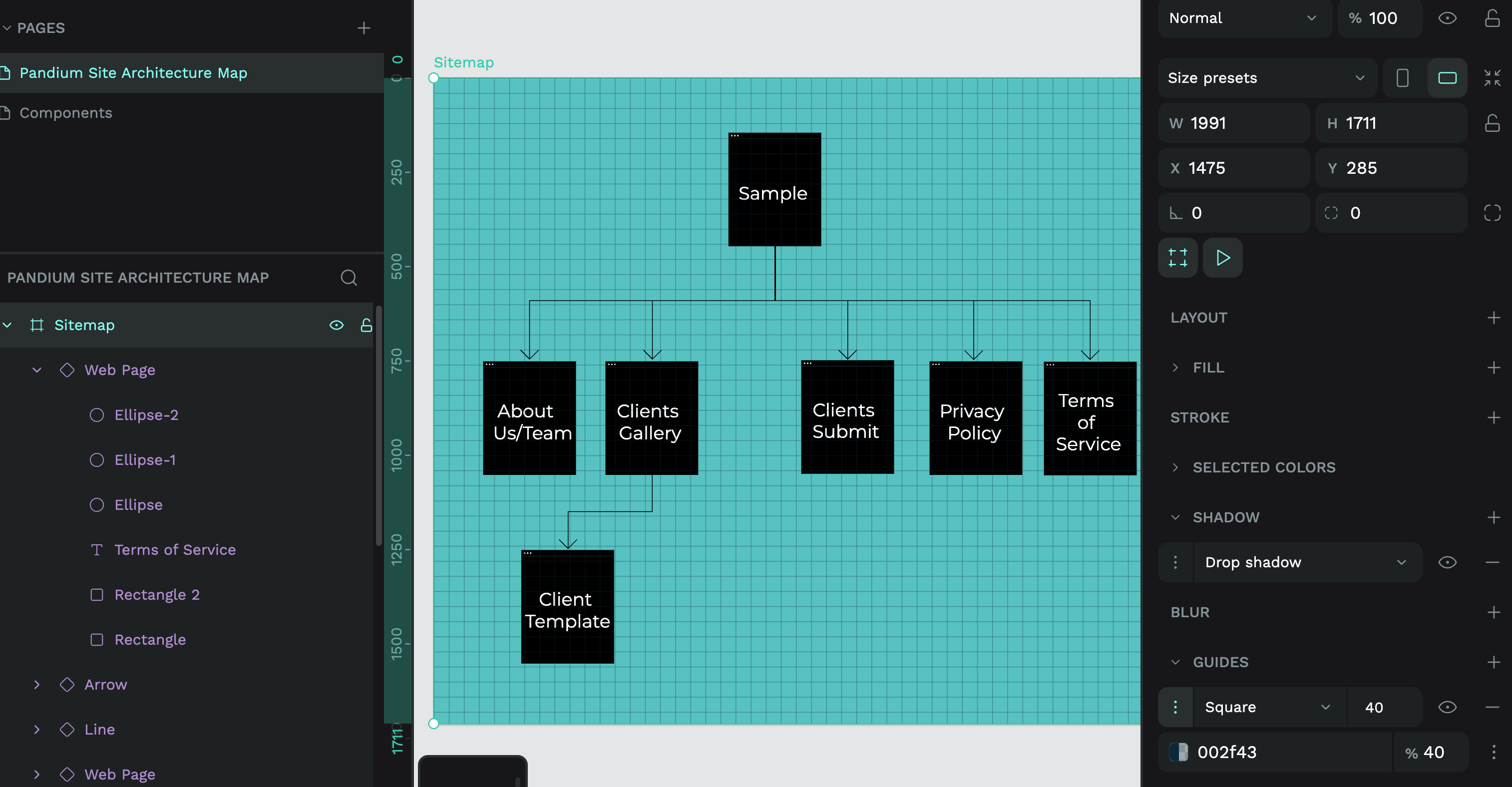
Once you have a guide, you can move and resize your elements so they fit the guide squares, creating a more uniform layout:
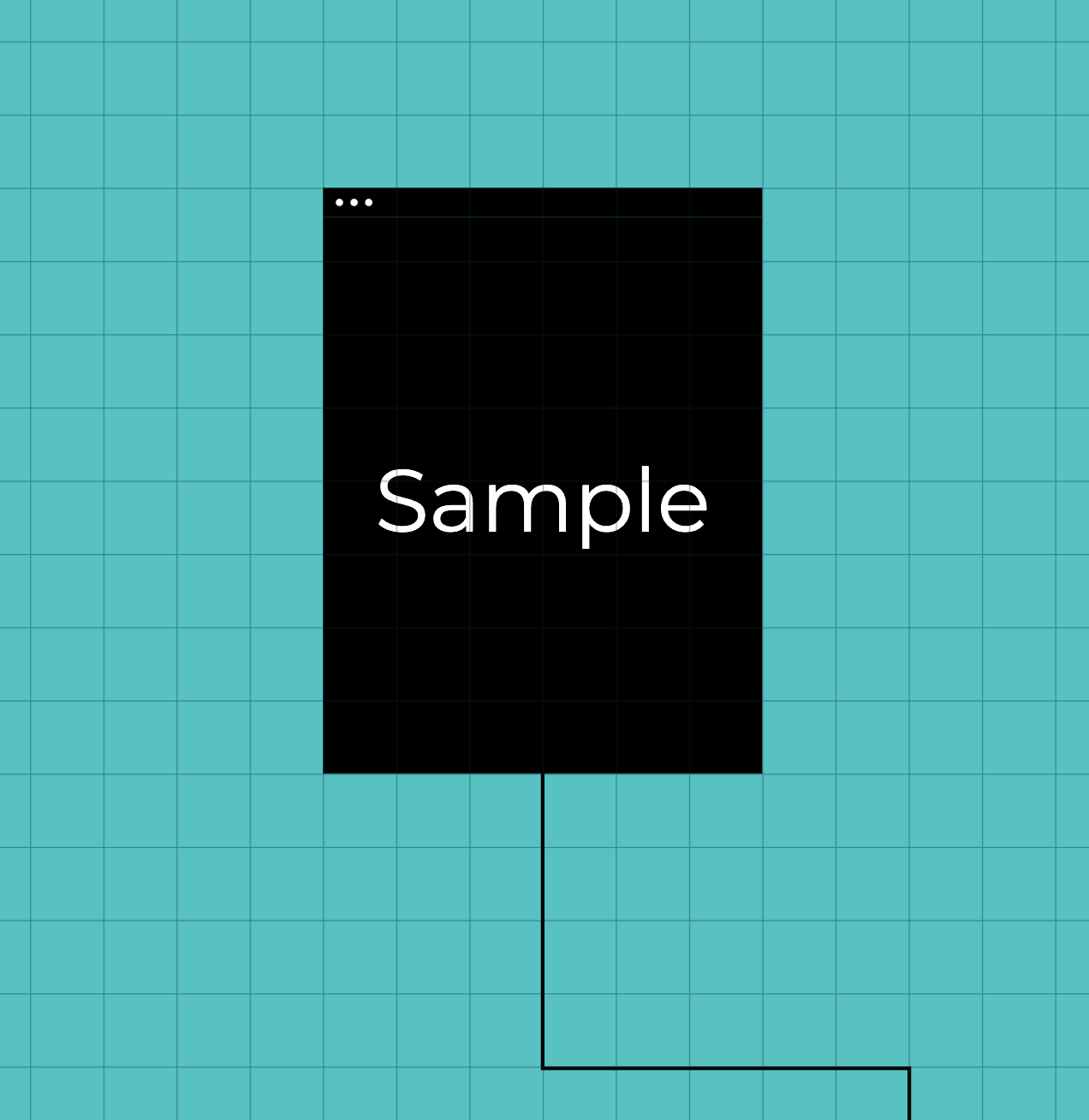
For spacing, I would think in multiples of squares. So in a row of web pages, I might choose to consistently use four empty squares between each page.
I hope that makes sense! Please let me know if there’s any specific videos or blog tutorials that would help you out in future. I always appreciate feedback and ideas